


FREE · NO PAIRING · iPHONE & iPAD
Your iPhone Is the Only Roku Remote You Need.
Auxility Remote connects to any Roku over your home Wi-Fi in seconds — full D-Pad, volume, keyboard typing for YouTube and Netflix, voice search, and one-tap channel launch. No pairing, no account.
- Local-network only · no tracking
- Free to download
- iPhone & iPad
Everything the remote does — and more
A complete Roku remote, reimagined on iPhone.
One free download replaces the physical remote and adds the things hardware never could — fast typing, voice search, and Home Screen widgets.
Instant Wi-Fi Connection
Finds any Roku on your network in seconds. No pairing code, no Bluetooth, no setup.
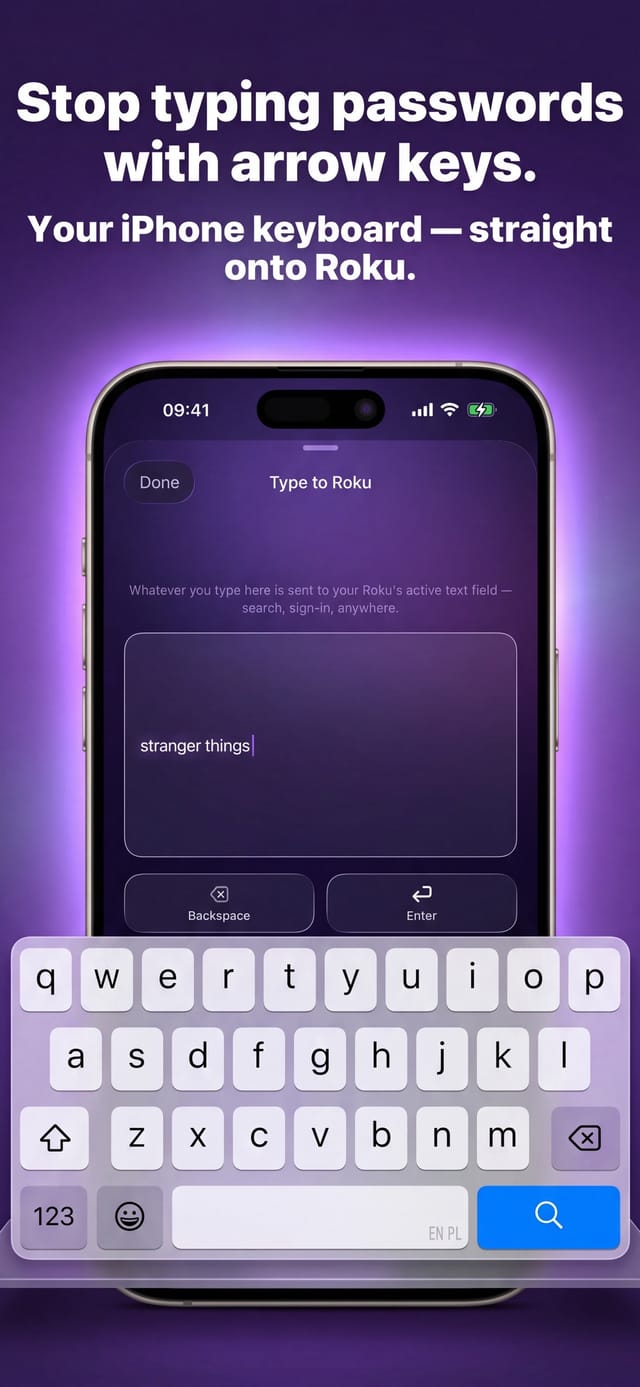
Type on the TV, Fast
Type into YouTube, Netflix, and sign-in fields straight from your iPhone keyboard.
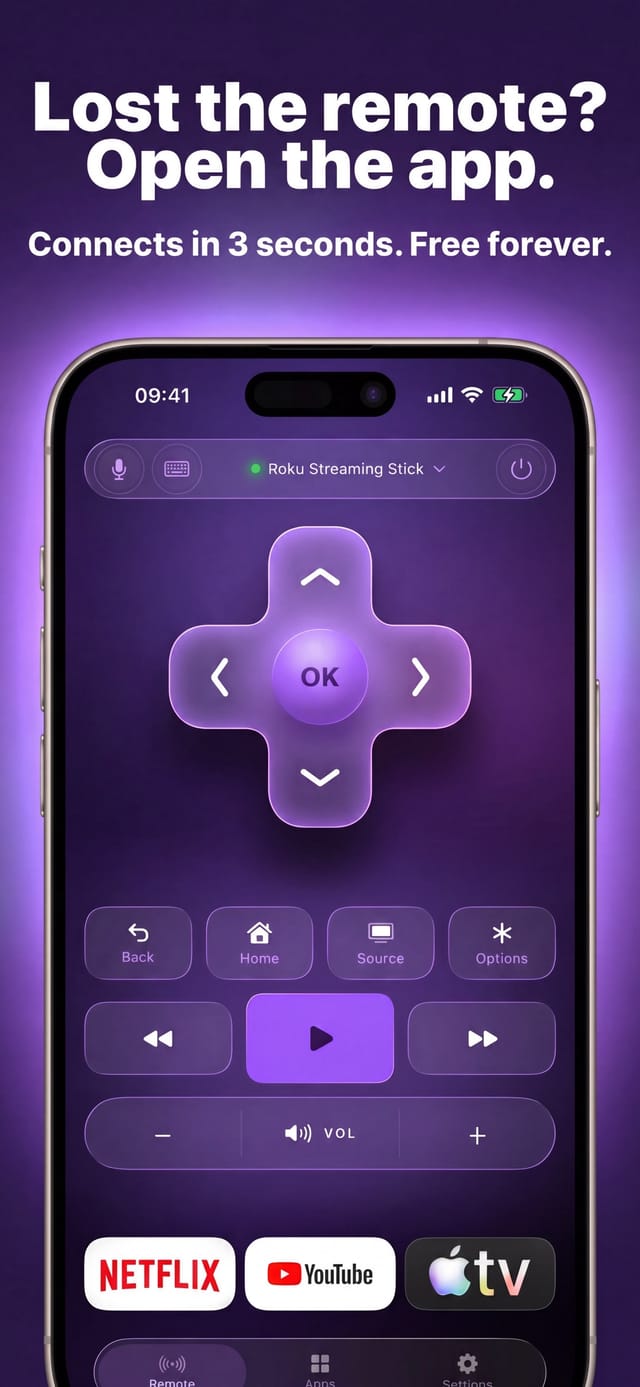
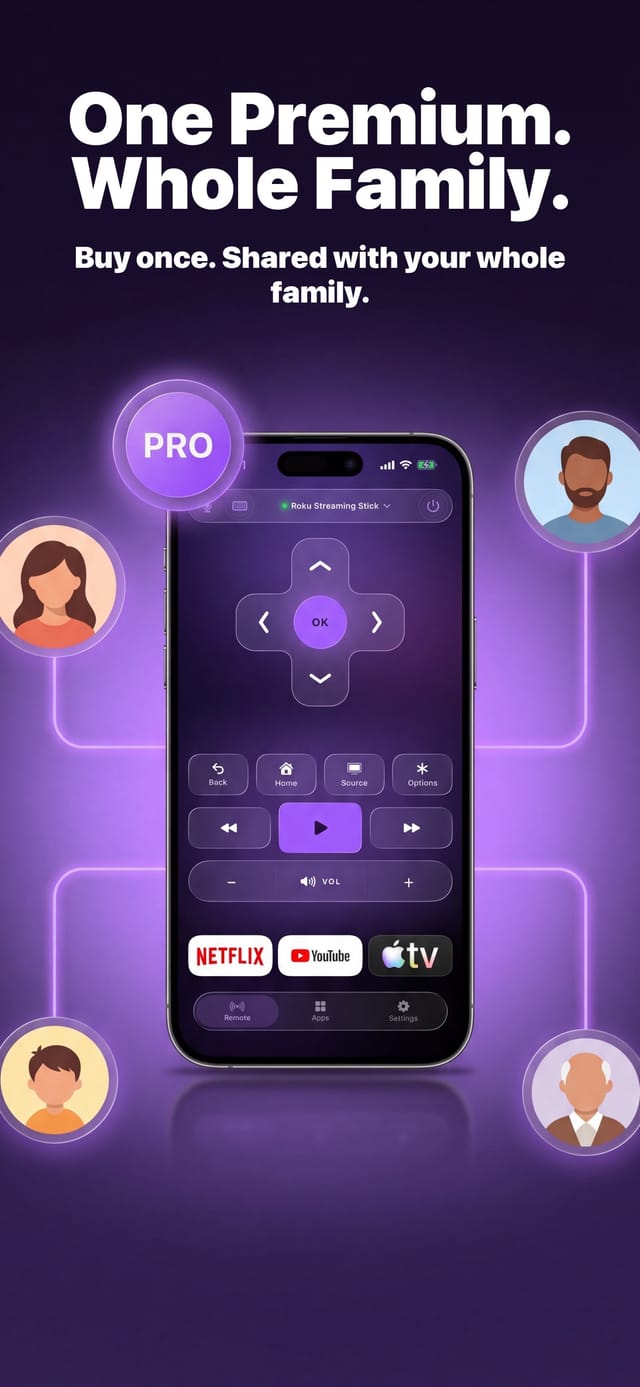
Full D-Pad Control
Directional pad, OK, Home, Back, and every navigation key your remote has.
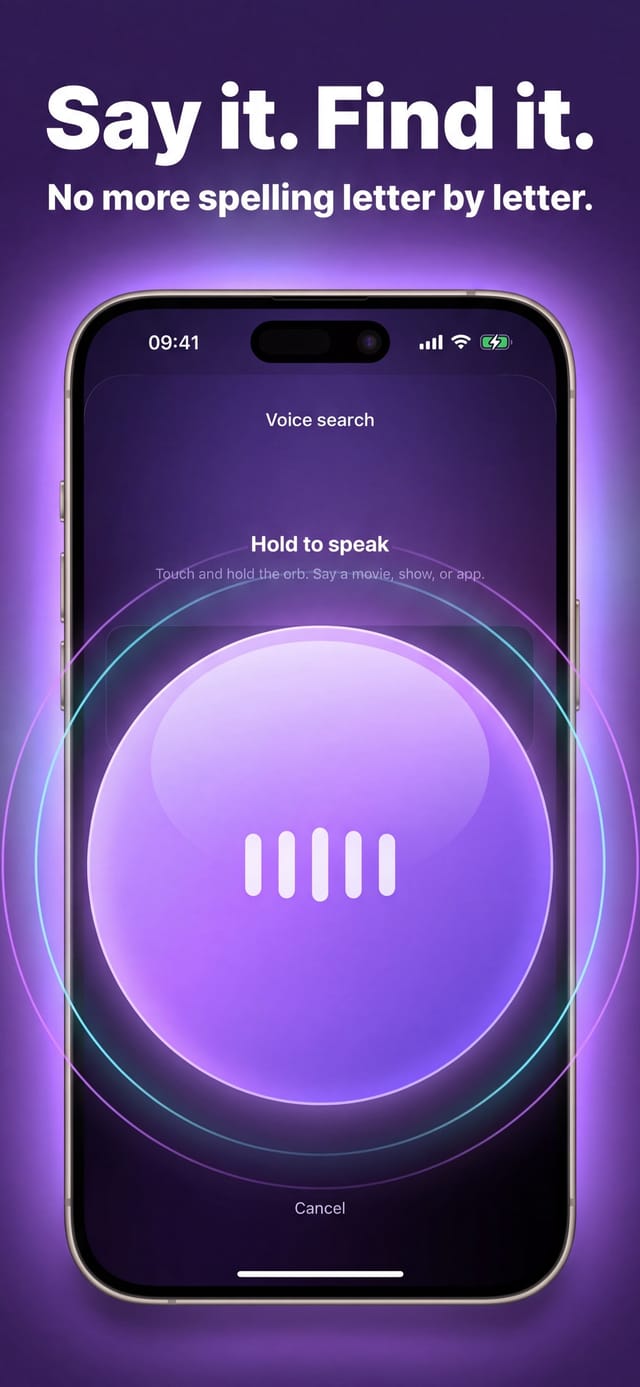
Voice Search
Speak a show or actor and your Roku runs the on-screen search — no typing.
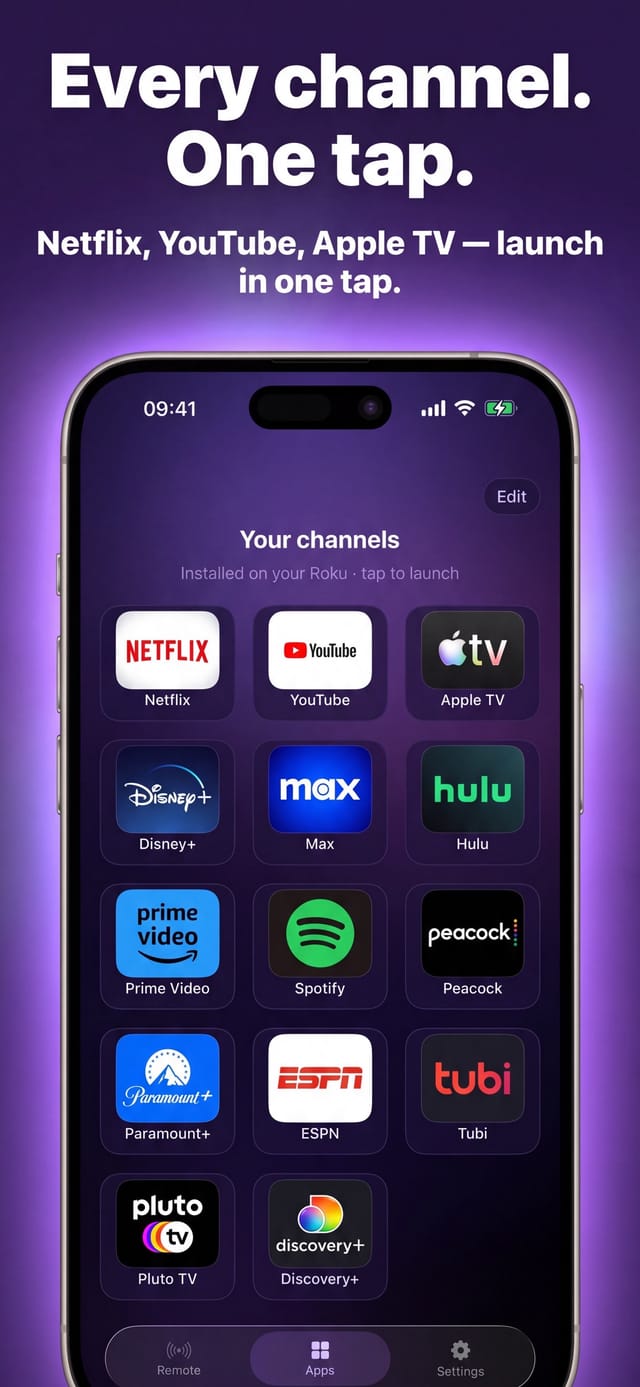
Launch Channels
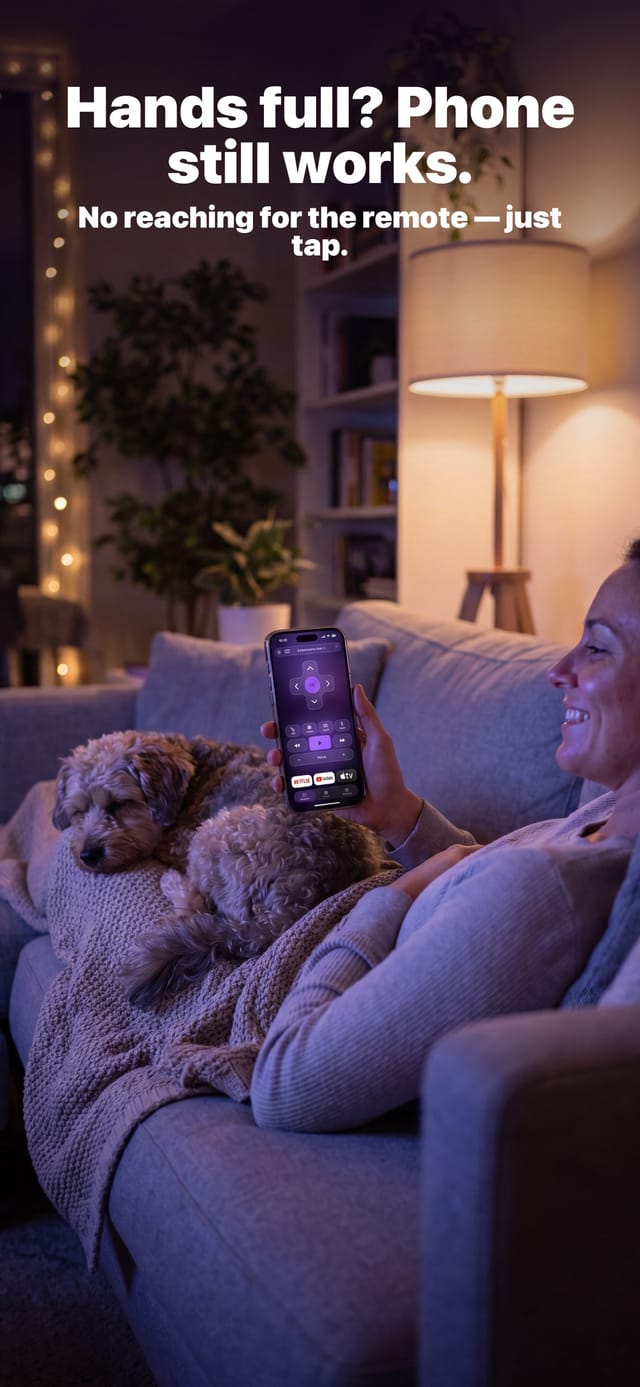
Open Netflix, YouTube, or any installed channel on your Roku with one tap.
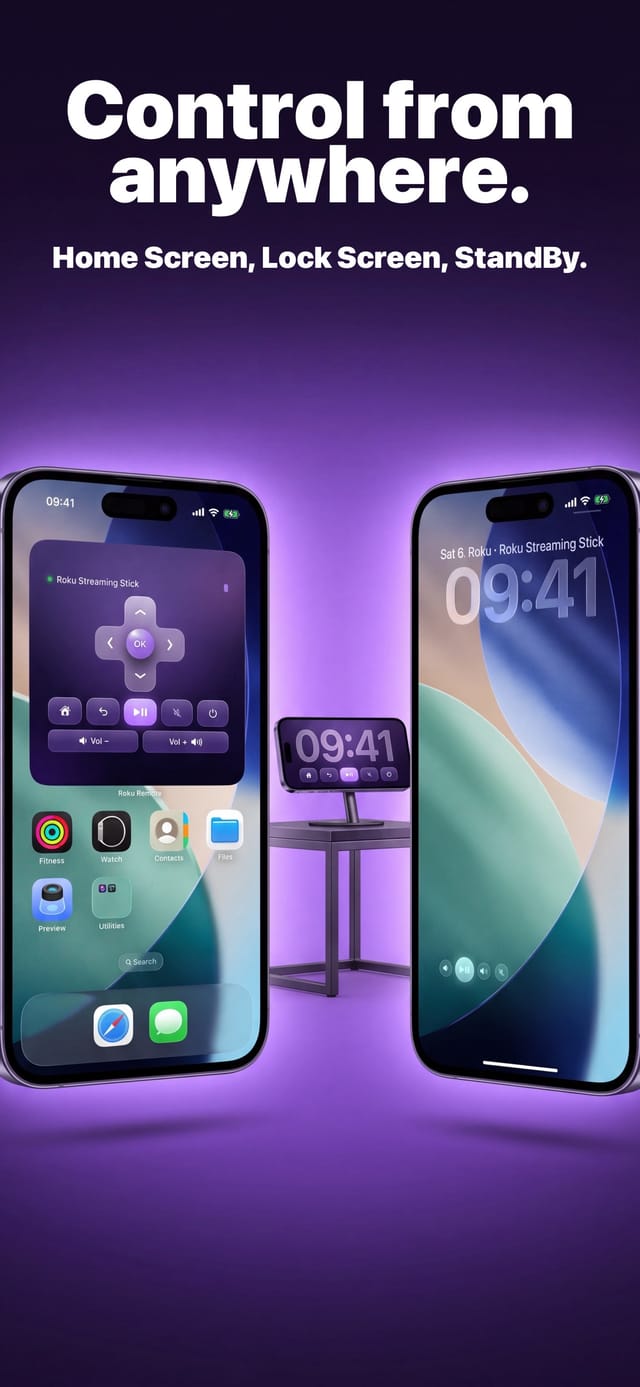
Widgets & Control Center
Home Screen and Lock Screen widgets, plus quick controls in Control Center.
See it in action
Real screenshots, real glass.
Free download
Replace your Roku remote in seconds.
Auxility Remote is free to download and works the moment your iPhone joins the same Wi-Fi as your Roku. No account, no pairing code, no original remote required.
Requires iOS 16 or later · iPhone & iPad
An independent app by Auxility, Inc. Not affiliated with, endorsed by, or sponsored by Roku, Inc. Roku is a trademark of Roku, Inc., used only to indicate device compatibility.
Fix it from your iPhone
Roku Troubleshooting Guides
Lost, broken, or unresponsive remote? Pick your exact problem below — each guide explains the fix and how Auxility Remote takes over instantly over Wi-Fi.
- Lost Roku Remote lost roku remote
- Roku Remote Not Working roku remote not working
- Roku Remote Battery & Repair roku remote battery
- Connect Roku to Wi-Fi connect roku to wifi
- Roku Private Listening roku private listening
- Change Roku Input roku change input
- Remote Blinking Green roku remote blinking green
- Control Multiple TVs roku remote multiple tvs
- Free Roku Remote App free roku remote app
- Roku Stick Overheating roku stick overheating
- Roku on Hotel Wi-Fi roku hotel wifi
- Reset Roku Remote reset roku remote
- Roku Secret Menu roku secret menu
- Roku Remote Range roku remote range
- Roku Voice Remote roku voice remote
- Roku Remote Pairing roku remote pairing
- Roku Remote Keyboard roku remote keyboard